Deals
A sale to one customer, a company or a person, from first conversation to won or lost.
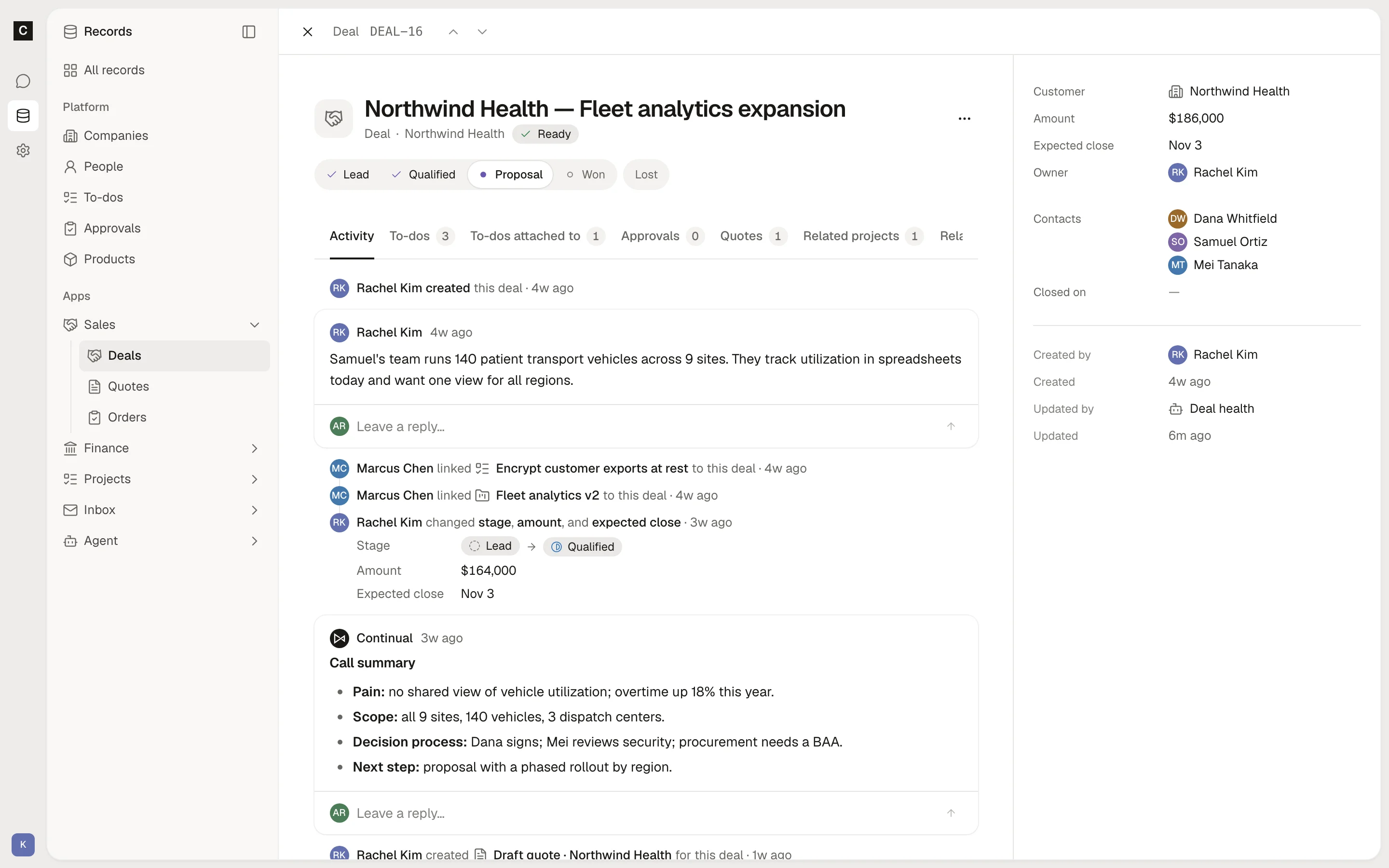
Open a deal to see where a sale stands, what it is worth, and everything said about it on its Activity tab.
How it works
A deal starts as a Lead and moves through Qualified and Proposal to Won or Lost. This status shows as Stage. You change it yourself, or drag the deal across the Pipeline board. Each deal gets a number, such as DEAL-12.
When a deal is won or lost, Continual records the day in Closed on. While a deal is open, Continual keeps two marks on it:
- Ready when the deal has an amount, an expected close date, and at least one contact. If something is missing, the mark says what, such as "Needs an amount."
- Overdue when the expected close date has passed and the deal is still open. Continual checks again as the day after the close date begins, in your organization's time zone.
A won or lost deal carries neither mark. The Closing calendar shows open deals by their expected close date. A quote can name the deal it prices, and the deal lists its quotes.
Object: changes freely, and its history keeps the old values.
Stage
- Lead
- Qualified
- Proposal
- Won
- Lost
Fields
- NumberSet by Continual
- Number, such as DEAL-12
- Name
- Text
- Customer
- Link to a company or person
- Contacts
- Links to people
- Amount
- Money
- Expected close
- Date
- Closed onSet by Continual
The day the deal was won or lost; empty while it is open.
- Date
- Owner
- Link to a member or service account
- MarksSet by Continual
Continual keeps these current, each with the reason it holds.
- Ready, Overdue